Jesse Van Mouwerik

Workstreams.ai · 2020 · Design lead for this project

An App Home dashboard for tasks in Slack

Role
Led design efforts for Slack integration of in-app dashboard
Users
Teams working in Slack
Methods
Paper prototypes, Block Kit Builder with developers
Outcome
Slack’s best modernized directory app award

A task manager that lived inside Slack.

Workstreams.ai was a startup building a Slack-first task manager. Slack’s App Directory lists the apps that plug into Slack, and each app can have an App Home: its own tab inside Slack. You could use Workstreams.ai on the web too, but everything centered on talking about tasks in specific Slack channels.

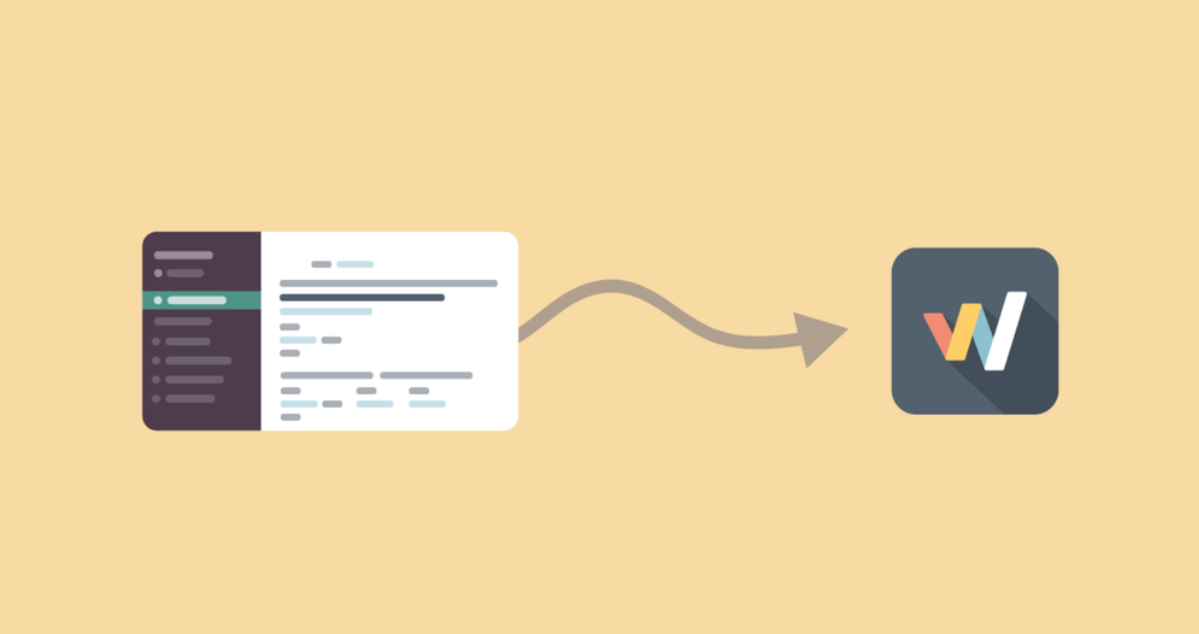
A Slack window with a channel selected, and an arrow leading to the Workstreams.ai app icon
Conversations in Slack channels became tasks in Workstreams.ai.
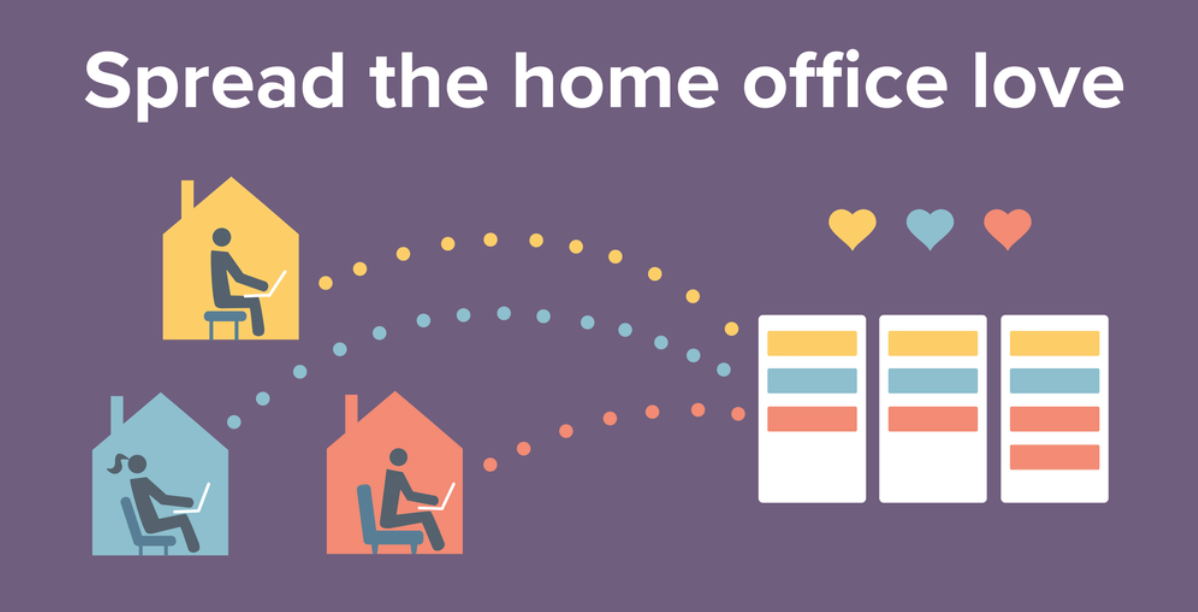
Spread the home office love: three people working from home, each in their own house, connected by dotted lines to a shared board of task columns with hearts above
Spread the home office love: remote teammates, one shared view of the work.
01

Problem

Remote teams leaned on Slack to stay aligned.

Workstreams.ai was a Slack-first app: every task lived in the Slack channel where the team discussed it. In 2020, people who weren’t used to digital collaboration were relying on Slack more than ever, and needed help keeping track of tasks across channels and staying aligned.

Slack was a user too.

Outcome for the user See all my tasks across channels in one place, without leaving Slack.
Product output A native App Home dashboard with every task in one view.
Outcome for the business Feel native enough for Slack to feature it, and grow the user base.

How the workflow changed.

Before
  1. A task comes up in a channel
  2. The message scrolls away
  3. Someone asks again
  4. Status is lost across channels
After
  1. A task comes up in a channel
  2. Turn the message into a task
  3. It lands on the team board
  4. Everyone sees their tasks in App Home
Where it broke downWhat changed

An App Home dashboard, inside Slack.

Tasks stayed in the channels where teams talked about them, and App Home gathered every task from every channel into one view, grouped and actionable, without leaving Slack.

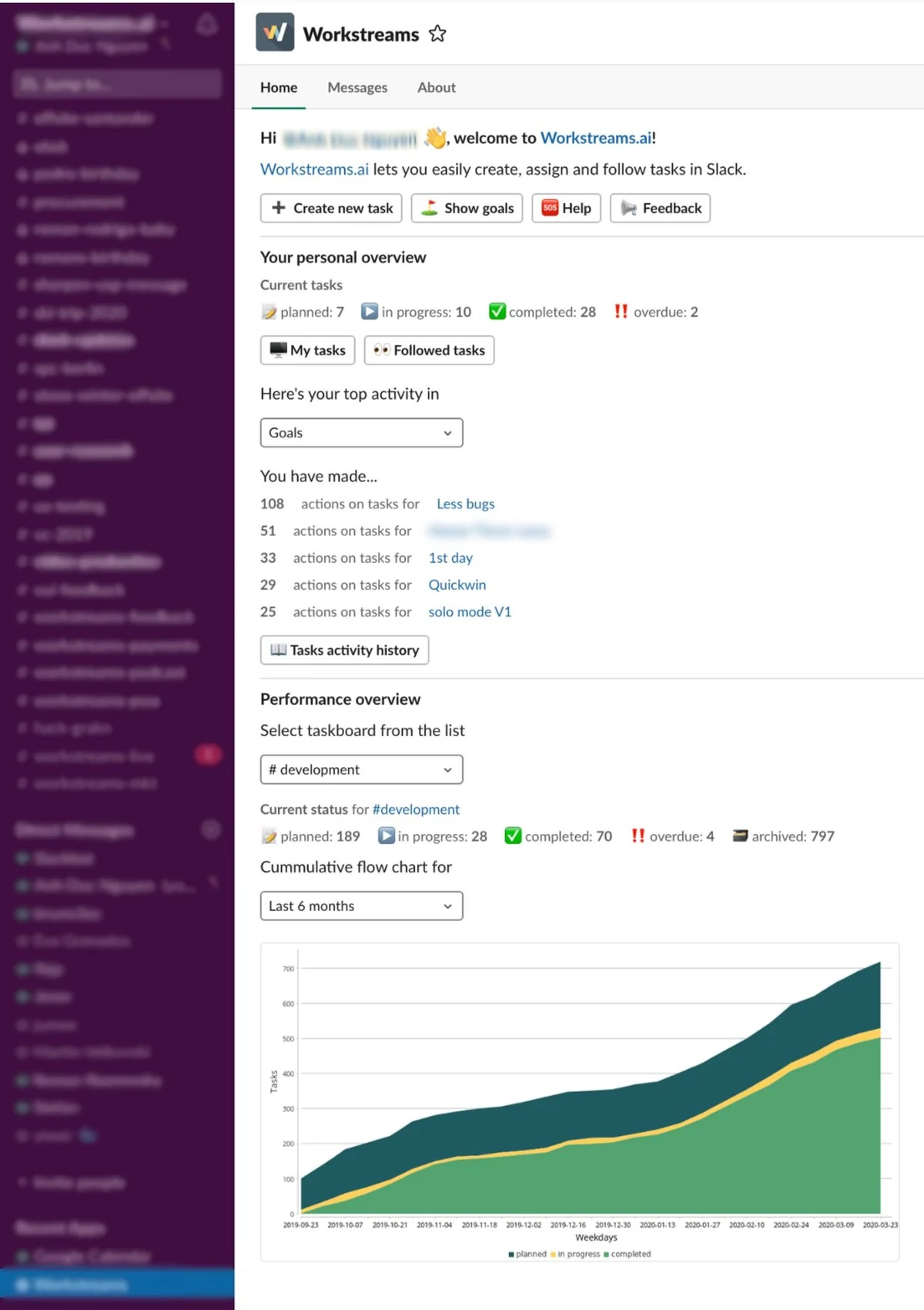
The Workstreams App Home in Slack: a personal overview of current tasks and recent activity, and a performance overview with a cumulative flow chart for a taskboard
The App Home we submitted to the hackathon: a personal overview, then a performance overview for any taskboard.

People could see their own tasks across channels, then pick any taskboard to see its status and a cumulative flow chart over time.


04

Results

Outcome

Teams could see every task from every Slack channel in one App Home view, and Slack named Workstreams.ai its best modernized directory app.

Award Slack’s best modernized directory app
Top listing In the Slack App Directory

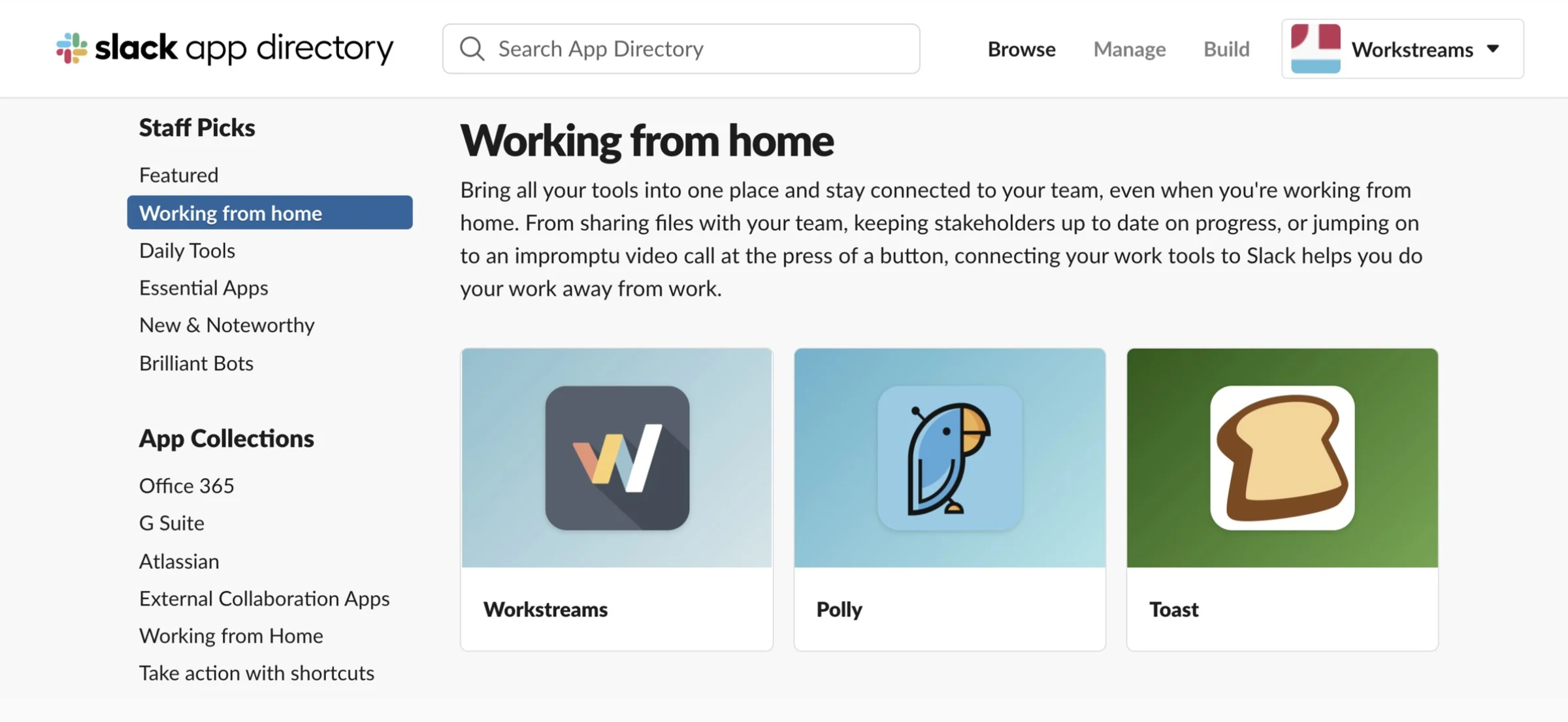
Workstreams.ai won Slack’s best modernized directory app award, and Slack listed it first in the App Directory’s Staff Picks for working from home.

The Slack App Directory Staff Picks page for Working from home, with Workstreams listed first, next to Polly and Toast
Workstreams listed first in the Slack App Directory’s Staff Picks for working from home.

Across my time at Workstreams.ai, the user base grew and retention improved.

05

Process

The research, decisions and steps behind the result.

Go deeper

Watch the launch video

The Workstreams.ai launch video, written, storyboarded and narrated by meWatch on YouTube ↗

More projects